
For women with PMS and painful periods. Your Pain Ends Here.
To give you a real chance at breaking this cycle for good, we have a special offer below.
Book Your Consultation“Before, I dreaded both the PMS and period time. Half my months living in misery. I started suffering from depression. I started the treatment, and my next cycle was different. Hardly any pain. The darkness lifted. I felt hopeful.”J.W., USA
Cécile: One Treatment in 2021. The Pain Never Came Back.
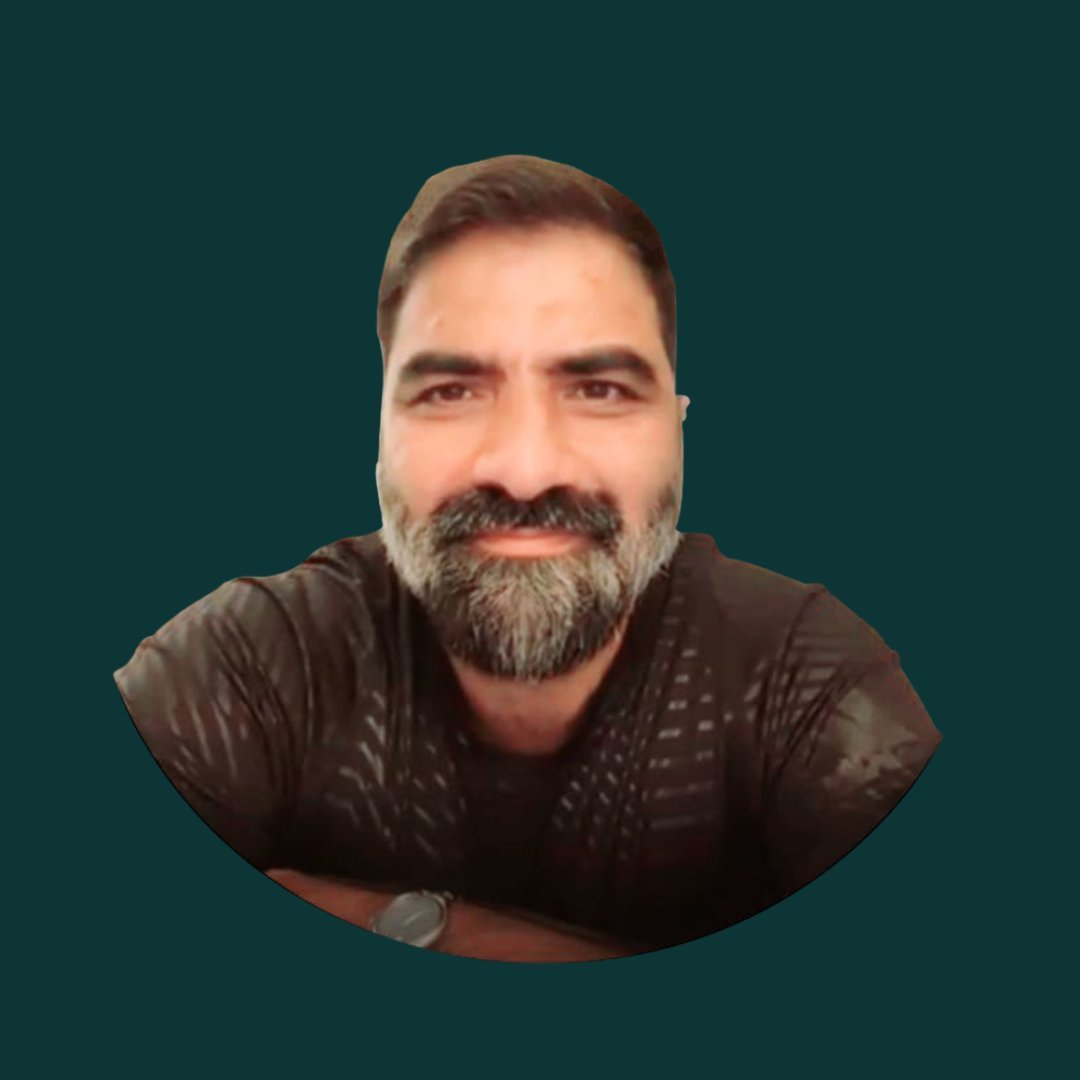
Usman is not a wellness practitioner. He is a healer in the oldest sense of the word. After years of solitary formation that included conditions most people would not survive, he emerged with a guided capacity to identify and address what is sustaining a physical condition, at the energetic level where it originates. He treats people around the world, remotely, across a wide range of conditions, from chronic pain and hormonal disorders to emotional and energetic blocks that conventional medicine never reached. Most people who find him have already tried everything else. That is precisely the challenge he is built for.
You Have Tried What Medicine Offers. It Was Not Enough.
The cramps, the mood collapse, the exhaustion before it even starts. You have managed them, worked around them, warned the people around you about them. Every month, the same pattern returns.
That is not a treatment failure on your part. It is a sign that what you have tried has been working on the outputs of the condition, not the source. The pain and the hormonal dysregulation are what the condition produces. What generates them has not been addressed.
A consultation with Usman works differently. He assesses the energetic pattern sustaining your condition, the specific disruption that keeps producing the same cycle of pain, and addresses it directly. Not with a protocol. Not with a supplement. With his exceptional ability to identify the issue causing your pain, and with the healing energy he created from natural elements.
“I am skeptical of energy healing.”
Energy healing is not a modern invention. It has been practiced for thousands of years across every major civilization, from Traditional Chinese Medicine and Ayurveda to Indigenous healing traditions and ancient Egyptian medicine. What they all recognized, long before modern science had the tools to measure it, is that the human body is not just physical. It carries an energetic dimension that directly influences health.
“How is this different from other healers I have seen?”
Most energy healing is based on the practitioner’s personal ability or belief system. Usman draws from the energy of natural elements. He works on the energetic patterns sustaining the physical condition, not the symptoms. The consultation is not a session of generic energy work. It is a targeted assessment of your specific situation and a treatment plan built around it.
Three Steps. One Goal.
Fill out the request form
Fill out the consultation request form. Usman will review it personally.
During the consultation
Usman tells you what he sees in your specific case, how he can help, what treatment involves, what you can expect, and what it costs beyond the consultation. You decide from there.
Treatment begins
If you choose to proceed, Usman works directly on the energetic pattern sustaining your condition. Delivered remotely. No sessions to attend.
Consultation with Usman
What the consultation includes: Usman’s full assessment of your case, his explanation of what he sees, the treatment plan, expected outcomes, and cost of treatment. Remote.
Book Your ConsultationAfter payment you will be redirected to your intake form.
Get Help Before You Get Hit Again.
Every month you wait is another month of the same pattern. Don’t settle for the status quo of pain and misery. Don’t let anyone tell you that you have to “live with it.”
Book Your Consultation NowIn the middle of a crisis? In pain right now? Let us know that you need urgent relief in the request form. We will do everything we can to get back to you promptly. You can also reach us through WhatsApp.
You wake up in the morning and enjoy your days without the shadow of pain.
You feel lighter, liberated, hopeful.
You can see yourself accomplishing more in life.
No guilt. No thought of being a burden or being inadequate.
You are now empowered.
The pain doesn’t disappear because someone told you to think positively. It disappears because something finally worked on what was generating it, not just silencing a few days at a time.
This is not a promise of what happens after one treatment. This is what women describe after they stopped accepting the status quo, stopped using what doesn’t work, and dared to try something that addresses the source.
It is possible. And it starts with one conversation.